

Get operators live fast without turning setup into another project.
The onboarding flow makes time-to-value manageable: import what matters, configure the operating basics, and get into live workflows quickly.
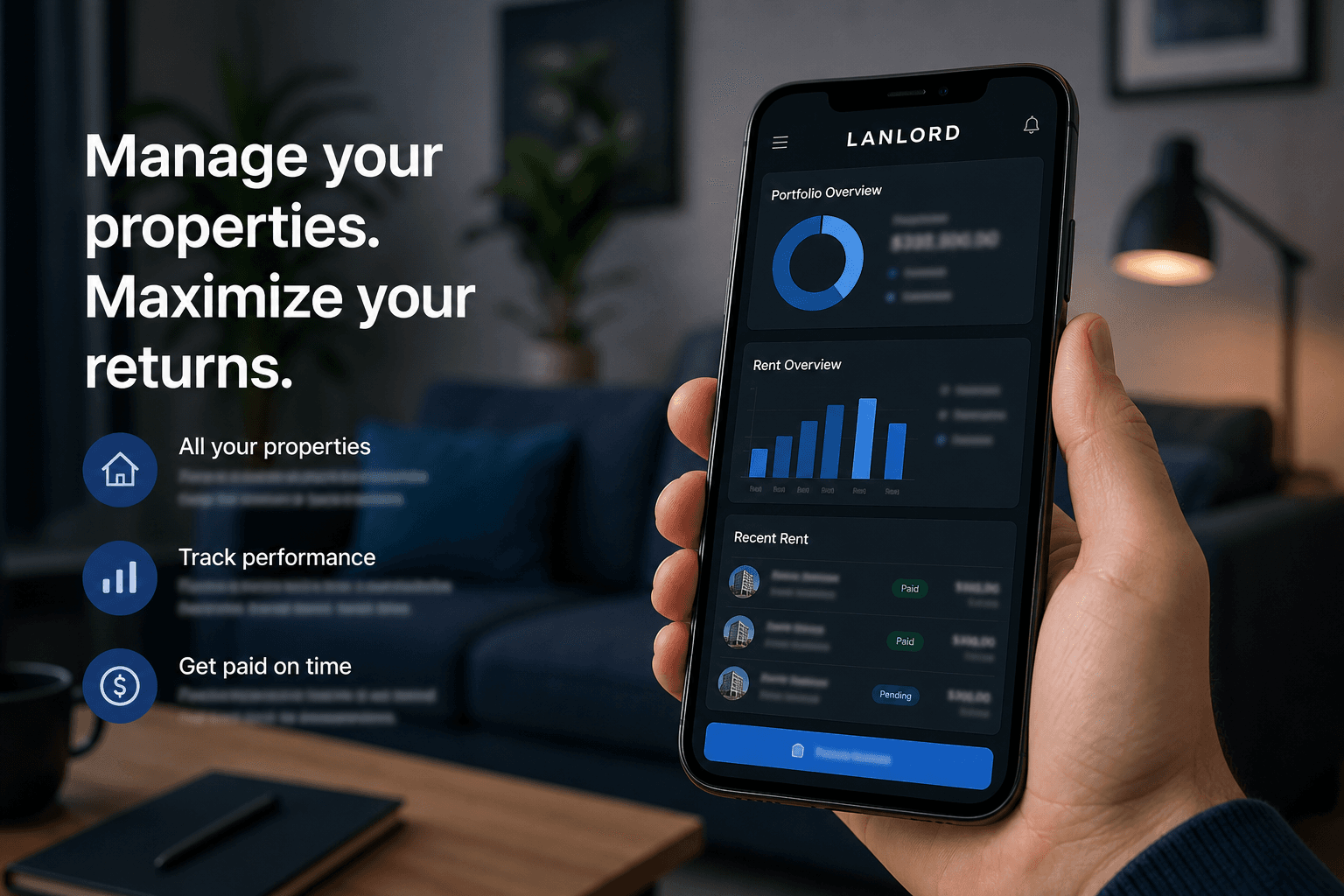
Self-serve path
Create the landlord account on the website, not in a disconnected product flow
Capture portfolio basics, selected plan, and current-tool context up front
Land in a website-side onboarding workspace before opening the app
Move into live product use with a clear handoff instead of a cold dashboard landing
Guided path
Implementation support for more complex portfolios
Migration guidance for data and operational workflows
Help defining account structure, documents, and recurring systems
Clear visibility into onboarding progress and blockers
What you get on day one
A real landlord account connected to the product API
A website-side onboarding workspace to review setup before opening the app
Captured portfolio context so the first app session is useful
A clean handoff into live workflows when you are ready
Prefer to explore first? Read the docs for step-by-step guides before you sign up.
Start onboarding
This creates a real landlord account against the product API, captures setup context, and opens a website-side onboarding workspace before handing off to the app.
What to expect after you create your account.
Most operators are running core workflows within the first week when setup stays focused.
Day 0 — Account + workspace
Create your landlord account, select a plan, and land in a website-side onboarding workspace.
Days 1–3 — Operating base
Import or add properties, tenants, and leases. Configure documents and baseline workflows.
Week 1 — Daily loop live
Run maintenance, collections, and tenant communication from one record with your team.
Week 2+ — Portfolio command
Review property signals, collections risk, and maintenance drag before month-end surprises.
Questions before you create an account?
Book a walkthrough to map your portfolio, or contact us about implementation support.